iPad Pro M5 and Multi-Screen Coding: A Practical Guide with Vysio
Configure external displays on iPad Pro M5 for cloud dev. Learn why Safari breaks and how Vysio's multi-window creates a real dual-screen workstation.
The native cloud developer environment built for iPad.
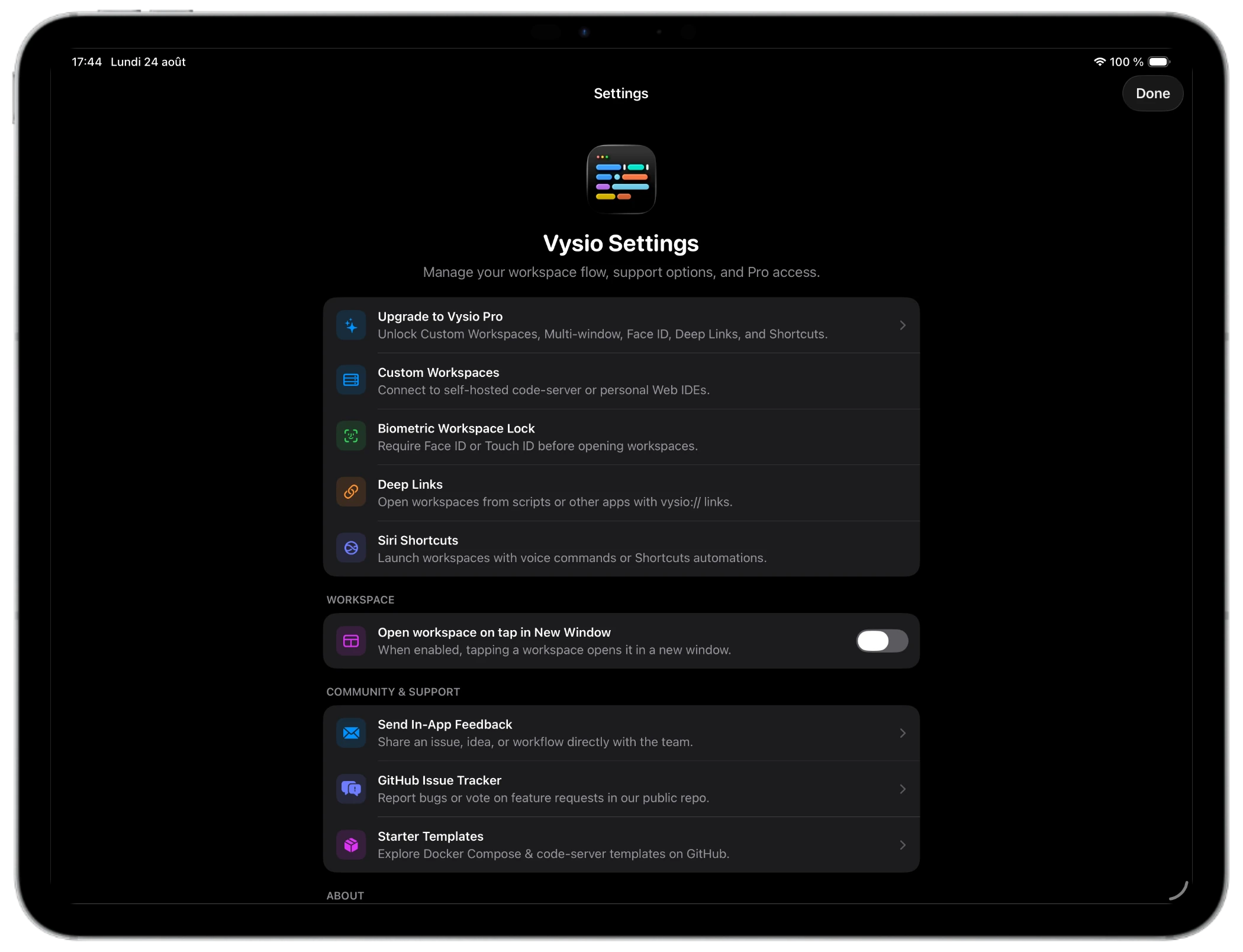
Run VS Code, GitHub Codespaces, and remote developer environments on your iPad. A native client designed with full keyboard shortcuts, Face ID lock, and distraction-free fullscreen focus.
Spacing Placeholder
We only email you when your waitlist invite is ready—no newsletters or spam.

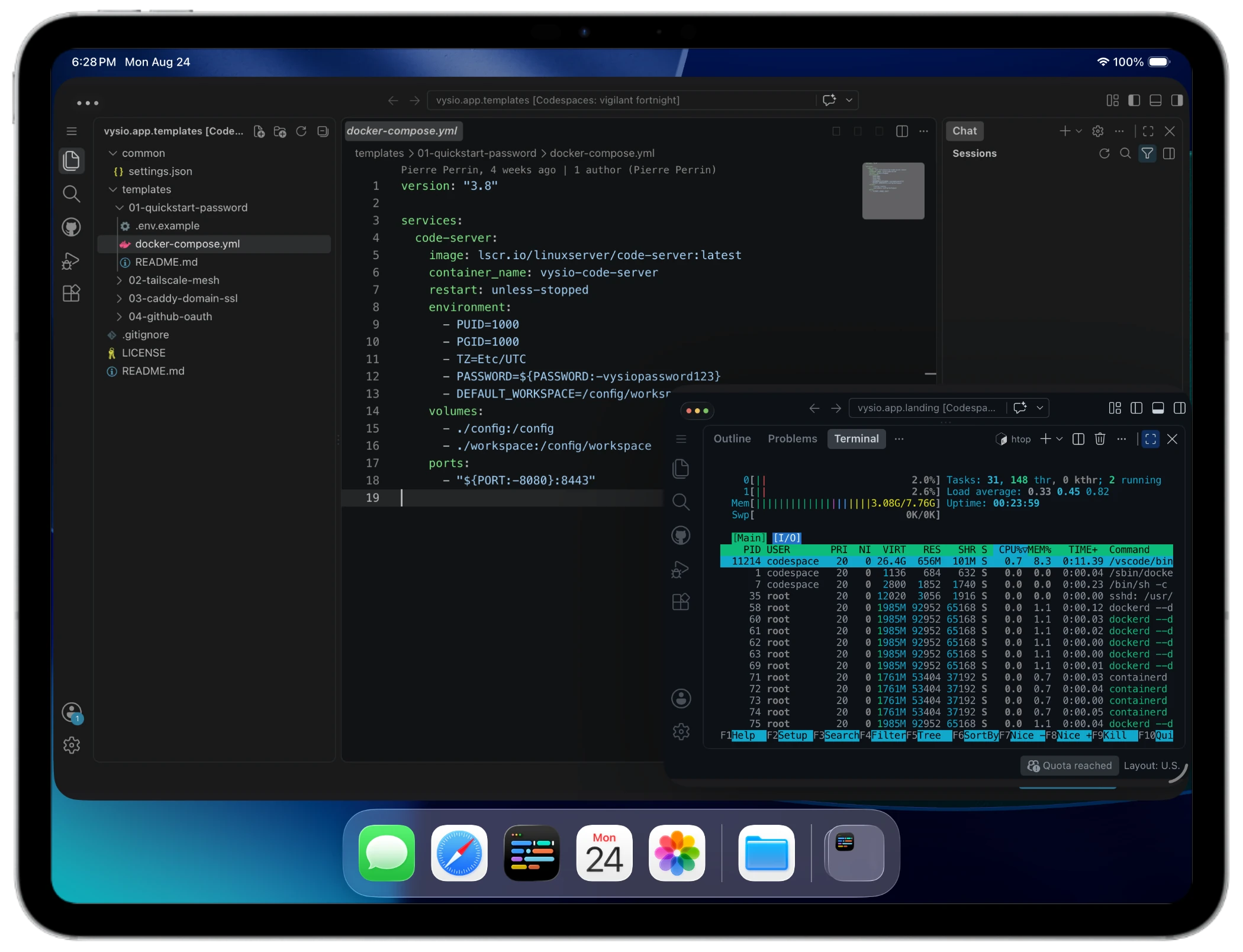
Run multiple workspace sessions side-by-side with full window management
"Been waiting for something that makes coding on the iPad feel less like a workaround. The keyboard shortcut passthrough actually works, which surprised me, and the keep-alive session lock saved me from re-auth hell after a coffee break. Solid work."
BBeta TesterEarly Access User
I created Vysio because I was tired of the compromises. The iPad Pro is incredibly powerful hardware, yet developing on it always felt limited by the browser. I wanted a native, distraction-free environment that respected Magic Keyboard shortcuts and kept my remote sessions alive. Vysio is the client I always wanted for my own GitHub Codespaces and code-server instances.
Vysio blends the efficiency of a native dashboard with a secure, sandboxed client built for modern cloud workspaces.
Lose the browser tabs and address bars. Run a fullscreen workspace optimized for Magic Keyboard shortcuts, gestures, trackpad controls, and touch interface.
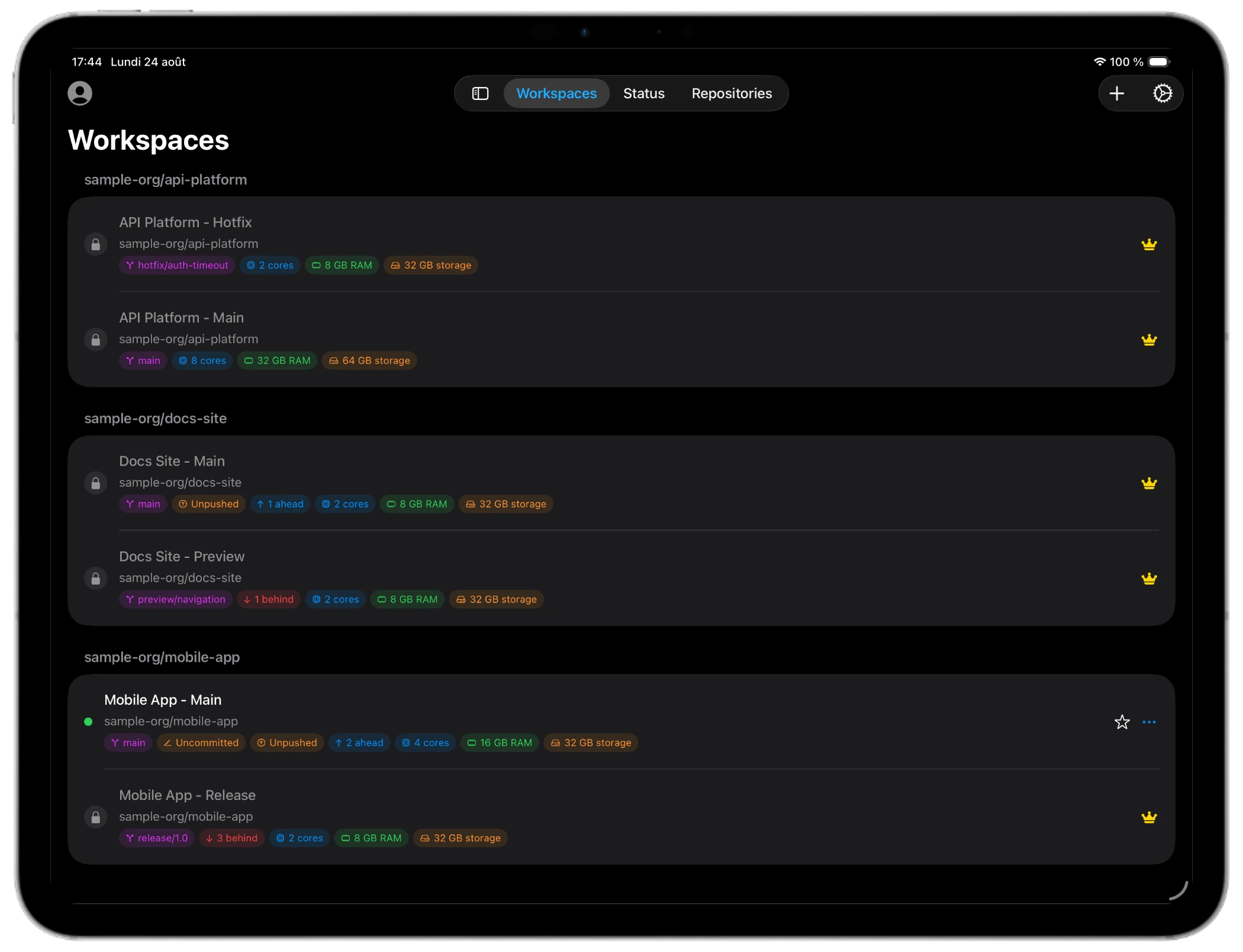
Manage your GitHub Codespaces directly. Spin up, stop, restart, or delete workspaces from a native list with zero intermediate servers.
Protect your sessions and code. Store GitHub tokens securely in the Apple Keychain, protected by Face ID, Touch ID, or your iPad passcode.
Standard mobile browsers restrict dev productivity. Vysio is custom-engineered to bypass iOS WebKit limitations.
| Feature | Safari / Chrome | Vysio App |
|---|---|---|
| Keyboard Passthrough | Intercepted by OS (e.g. Cmd+W closes browser, Cmd+T opens tab) | Full passthrough to IDE (Cmd+W closes editor tab, Cmd+P runs command palette) |
| Device Standby | iPad sleeps after idle time, dropping container connection | Automatic wake-lock keeps connections active during long tasks |
| Credential Storage | Stored in cookies/localstorage, subject to automatic iOS deletion | Direct Apple Keychain encryption secured by Face ID / Touch ID |
| Screen Real Estate | Cluttered by URL address bar, tabs, and iOS overlays | Edge-to-edge native fullscreen with custom keyboard-ready viewport |
| Codespaces Lifecycle | Must log in, navigate GitHub, and manually boot web containers | Start, stop, and configure Codespaces in a native dashboard list |
Vysio connects your iPad directly to your cloud developer environments, combining native OS integrations with terminal and editor keyboard layouts.
Authenticate directly with GitHub via PKCE OAuth. Your tokens are stored securely in the local Apple Keychain, never on third-party servers.
View, search, and manage your active, sleeping, or stopped development environments in a native dashboard.
Launch into your workspace with zero-latency fullscreen. Your session is restored instantly with screen wake-lock to prevent sleeping.
Everything you need to know about Vysio and remote iPad development.
Everything you need to launch, customize, and extend your iPad development workflow.
Pre-configured Docker Compose starter kits for code-server and Tailscale, specifically tuned for iPadOS touch & keyboard layouts.
Shape the future of Vysio alongside our developer community. Request features, vote on the roadmap, and report iPad bugs directly on GitHub.
Insights on cloud development, workflows, and building for iPadOS.
Configure external displays on iPad Pro M5 for cloud dev. Learn why Safari breaks and how Vysio's multi-window creates a real dual-screen workstation.
Master every VS Code keyboard shortcut on iPadOS with Apple Magic Keyboard or Smart Keyboard, resolve iPadOS key conflicts, and boost your cloud coding speed.
The best coding setups on iPad Pro in 2026: comparing GitHub Codespaces + Vysio, Blink Shell, CodeApp, Gitpod, and WebContainers for developers.
Join the waiting list to receive your early access invite and be the first to build on iPad.
Spacing Placeholder
We only email you when your waitlist invite is ready—no newsletters or spam.